
Companies spend weeks perfecting translated copy, then launch abroad with the exact same pictures — and wonder why the campaign falls flat. Visuals speak before a single word is read, and they speak with a local accent. A gesture that means "great" in Texas can offend in Tokyo; a color that signals celebration in one market signals mourning in another.
Audit before you launch
Walk through your site or catalog and flag every image containing people, gestures, text overlays, money, food, animals or religious symbols. These are the categories most likely to misfire. Stock photos of office life are frequent offenders: the "right" business handshake, dress code and even who sits at the head of the table vary enormously.
What to adapt
- Text in images: banners, screenshots and infographics need re-setting in the target language — never leave source-language text baked into a graphic.
- People and settings: audiences trust faces that look like their market. Re-shoot or re-select hero imagery per region.
- Symbols and color: check numbers, animals, hand signs and palette meanings with a native reviewer before publishing.
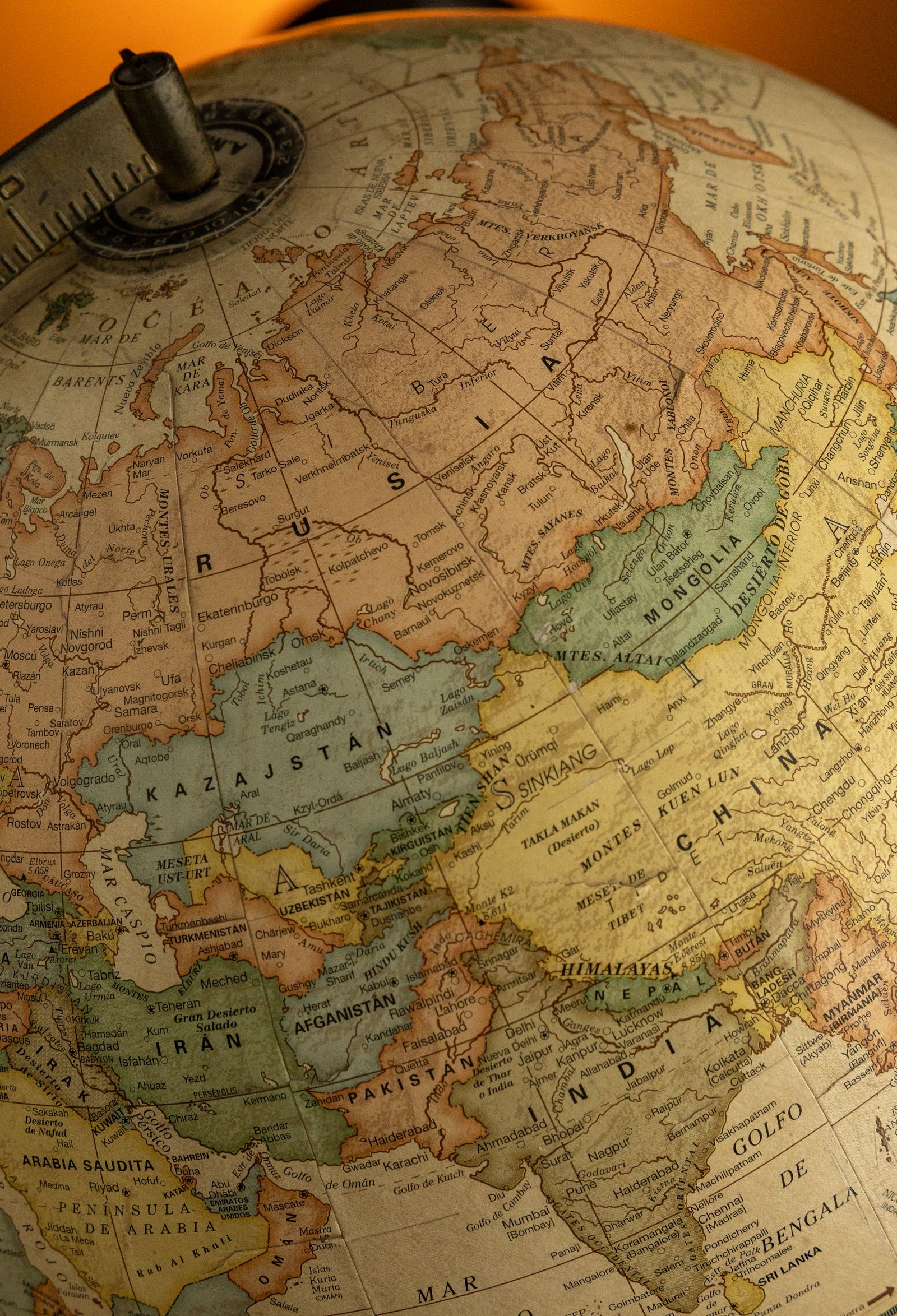
Build visuals into your localization workflow
The cheapest fix is process: keep layered source files for every graphic, name text layers clearly, and send designers the translated strings with length guidance. Our website localization projects include image-text re-setting as standard — your banners arrive translated, re-set and QA-checked on the page. Words open the door, but pictures invite people in. Localize both.